Qt Quick Controls 带有风格选择。

The 基本风格 is a simple and light-weight all-round style that offers the maximum performance for Qt Quick Controls.
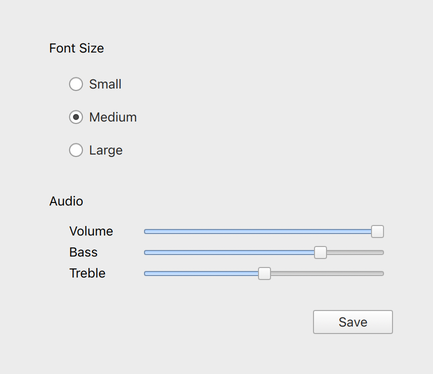
The light theme of the Fusion style. |
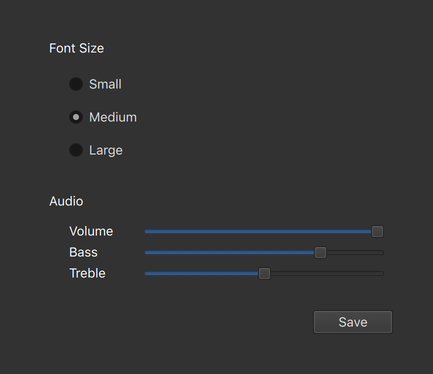
The dark theme of the Fusion style. |
The Fusion 风格 is a platform-agnostic style that offers a desktop-oriented look and feel for Qt Quick Controls.
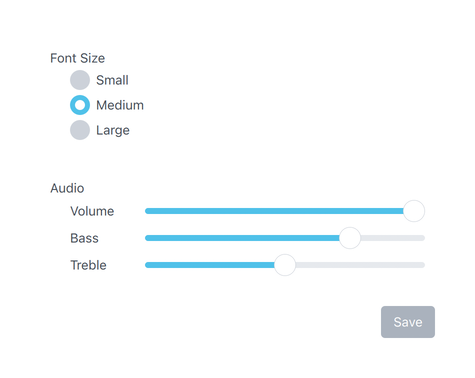
The 想象风格 is based on image assets. The style comes with a default set of images which can easily be changed by providing a directory with images using a predefined naming convention.
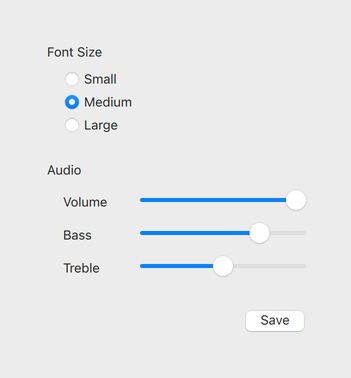
The light theme of the macOS style. |
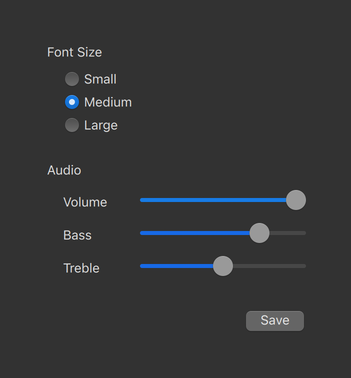
The dark theme of the macOS style. |
The macOS 风格 is a native-looking style for macOS.
注意: this style is only available for applications running on macOS.
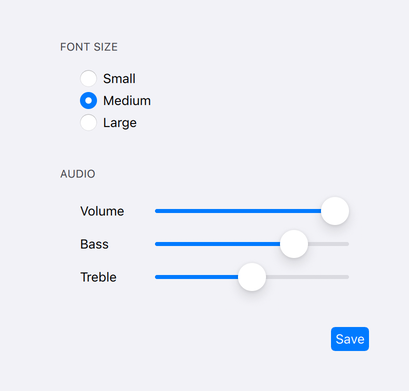
The light theme of the iOS style. |
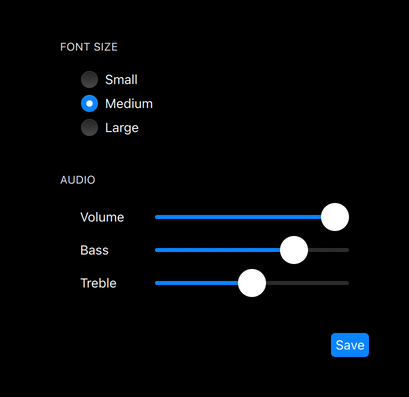
The dark theme of the iOS style. |
The iOS 风格 is a native-looking style for iOS based on image assets.
注意: this style is only available for applications running on iOS.
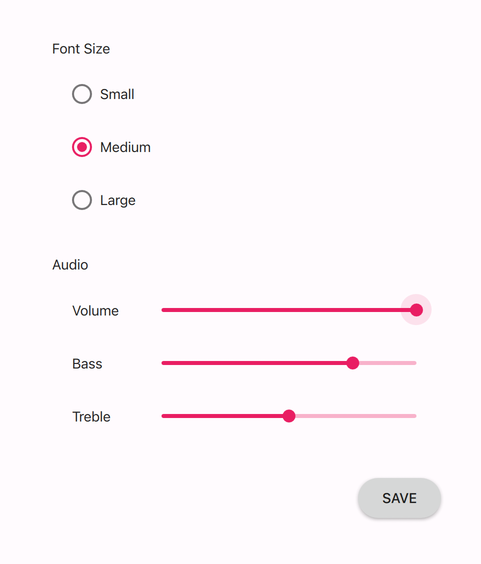
The light theme of the Material style. |
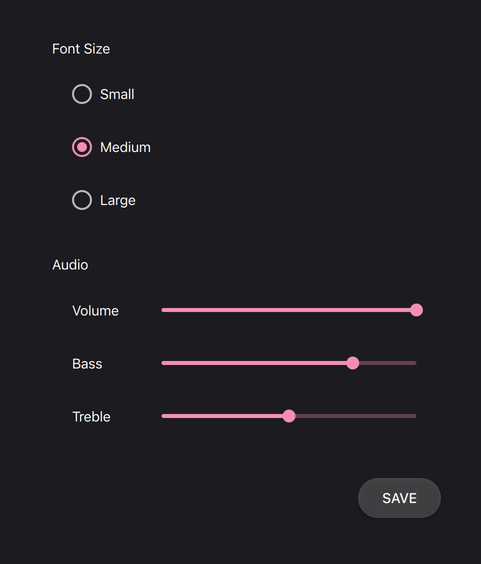
The dark theme of the Material style. |
The 材质风格 offers an appealing design based on the Google 材质设计指导方针 , but requires more system resources than the Basic style.
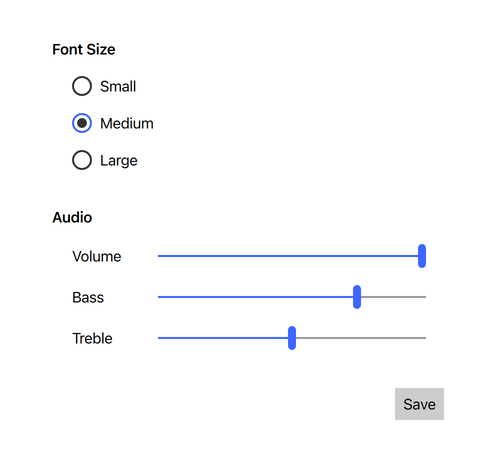
The light theme of the Universal style. |
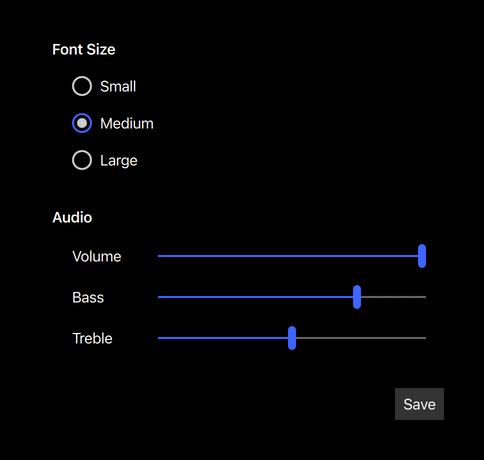
The dark theme of the Universal style. |
The 通用风格 offers an appealing design based on the Microsoft Universal Design Guidelines, but requires more system resources than the Basic style.
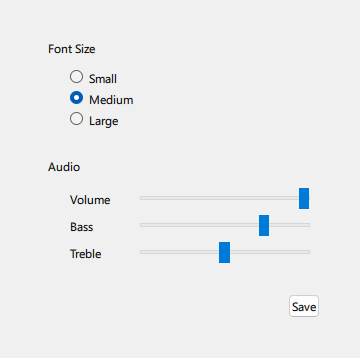
The Windows 风格 is a native-looking style for Windows.
注意: this style is only available for applications running on Windows.
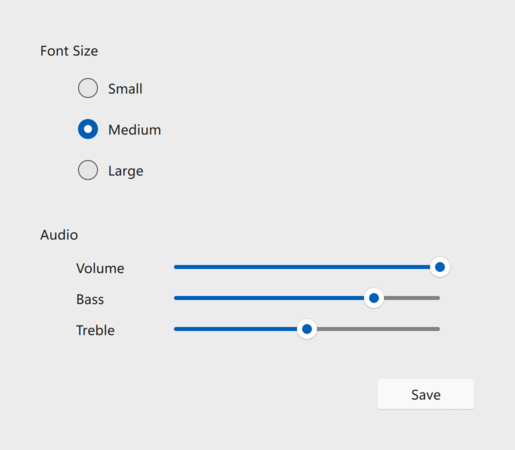
The light theme of the FluentWinUI3 style. |
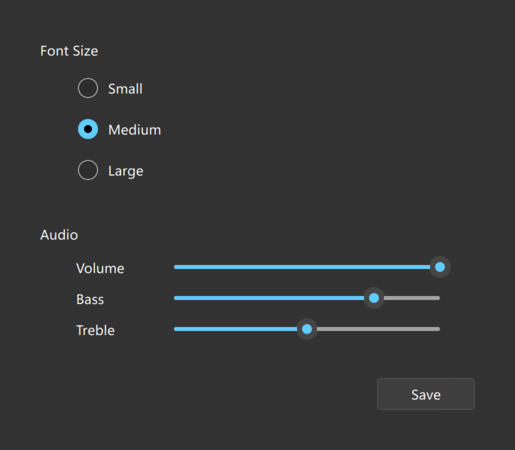
The dark theme of the FluentWinUI3 style. |
The FluentWinUI3 风格 is a modern, native-looking style designed for platforms running Windows 11 and above, which follows the Fluent UI and the WinUI 3 design guidelines. The FluentWinUI3 can be run on all supported platforms.
If no style is explicitly set, a default style will be used. The style that is used depends on the operating system:
For all other operating systems, the 基本风格 被使用。
Compile-time style selection is a way of specifying a style to use by explicitly importing it in QML. For example, to import the Material style:
// The style must be imported before any other QtQuick.Controls imports
// in order for run-time style selection API like QQuickStyle::name() to
// work.
import QtQuick.Controls.Material
ApplicationWindow {
    // ...
}
预告 QtQuick .Controls (which is responsible for run-time style selection) is not imported. The fallback style is specified by the qmldir of the style:
module QtQuick.Controls.Material
# ...
import QtQuick.Controls.Basic auto
The benefit of compile-time style selection is that the QML compiler knows which specific style is in use and can generate C++ code for bindings.
Another benefit is that the QtQuick .Controls plugin is not used and therefore does not need to be deployed with the application.
Explicit imports are also necessary if your application is built statically .
A disadvantage of compile-time style selection is that one executable cannot support multiple styles, as each style requires its own.
见 混合风格选定 for information about mixing compile-time and run-time style selection.
Run-time style selection is a way of specifying a style to use by importing
QtQuick.Controls
:
import QtQuick.Controls
The QtQuick .Controls plugin will import the style that was set at runtime via one of the following approaches:
-style
命令行自变量
The priority of these approaches follows the order they are listed, from highest to lowest. That is, using
QQuickStyle
to set the style will always take priority over using the command line argument, for example.
Similarly, the fallback style can be set via one of the following methods:
注意: you can only dynamically choose the fallback style if it hasn't been chosen statically in the main style's qmldir file.
The benefit of run-time style selection is that a single application binary can support multiple styles, meaning that the end user can choose which style to run the application with.
A disadvantage of this approach is that QML compiler can't know which specific style is in use and therefore cannot generate C++ code for bindings on properties of Qt Quick Controls types. This does not affect the QML compiler's abilities to generate C++ for bindings on types from other modules.
见 混合风格选定 for information about mixing run-time and compile-time style selection.
It is recommended to only use either compile-time or run-time style selection in your application. However, if your application loads third party QML code, for example, it may not be possible to control which imports are used. If you do mix the two approaches, be aware of the following limitations:
QtQuick.Controls
first and then
QtQuick.Controls.Material
, the Material style's Button.qml will be used when a Button is created. Due to the previous point about theming, it is for this reason that you should never explicitly import two different styles in the same application.
QtQuick.Controls
, be aware that calling
QQuickStyle::name
() before a style has been explicitly imported will cause the platform default to be reported. If you can't avoid this, set the style to match the compile-time one beforehand via
QQuickStyle::setStyle
() or one of the other ways listed in
运行时风格选定
.
QQuickStyle provides C++ API for configuring a specific style. The following example runs a Qt Quick Controls application with the Material style:
QQuickStyle::setStyle("Material");
See the detailed description of QQuickStyle 了解更多细节。
传递
-style
command line argument is the convenient way to test different styles. It takes precedence over the other methods listed below. The following example runs a Qt Quick Controls application with the Material style:
./app -style Material
设置
QT_QUICK_CONTROLS_STYLE
environment variable can be used to set a system-wide style preference. It takes precedence over the configuration file mentioned below. The following example runs a Qt Quick Controls application with the Universal style:
QT_QUICK_CONTROLS_STYLE=Universal ./app
见 Qt Quick Controls 支持的环境变量 for the full list of supported environment variables.
Qt Quick Controls support a special configuration file,
:/qtquickcontrols2.conf
, that is built into an application's resources.
The configuration file can specify the preferred style (may be overridden by either of the methods described earlier) and certain style-specific attributes. The following example specifies that the preferred style is the Material style.
[Controls]
Style=Material
见 Qt Quick Controls 配置文件 了解有关配置文件的更多细节。
