控件圖庫。
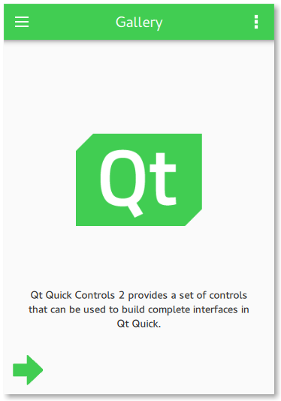
歡迎屏幕 |
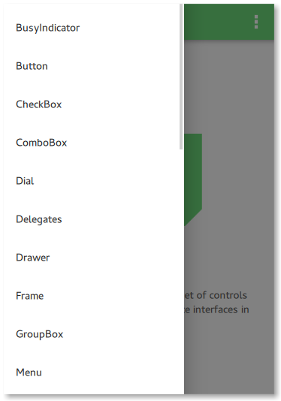
側抽屜 |
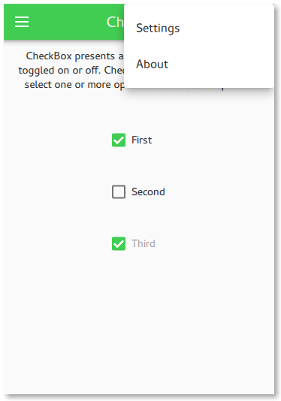
選項菜單 |
圖庫範例是帶有抽屜菜單的簡單應用程序,包含所有 Qt Quick Controls 。每個菜單項打開的頁麵展示控件圖形外觀,允許您與控件交互,和闡述在哪些情況下可順手使用此控件。
When the application is in portrait mode, the drawer is an interactive side panel that can be swiped open from the left edge. It appears on top of the content, blocking user interaction through its modal background. When the application is in landscape mode, the drawer and the content are laid out side-by-side.
The current orientation of the application is determined by comparing the width and height of the window and orientation mode configuration in the settings:
readonly property bool portraitMode: !orientationCheckBox.checked || window.width < window.height
As this example supports all built-in Qt Quick Controls styles, it uses runtime style selection .
要運行範例從 Qt Creator ,打開 歡迎 模式,然後選擇範例從 範例 。更多信息,見 Qt Creator:教程:構建並運行 .
