You can install
Protobuf
and
\gRPC
packages on Windows using
vcpkg
.
注意:
As an alternative solution, you can build
Protobuf
and
\gRPC
packages manually. Build instructions can be found for
Protobuf
and
gRPC
分别。
Windows installation prerequisites:
The
vcpkg
is a cross-platform C/C++ package manager. You can use the
vcpkg
for
Protobuf
,
\gRPC
and its dependencies installation:
.\vcpkg.exe install protobuf protobuf:x64-windows
.\vcpkg.exe install grpc:x64-windows
注意: We recommend using Manifest mode. This mode uses declarative JSON files to describe metadata about the project. Manifest files are required to have the vcpkg.json name.
Finally, you can build and execute Qt-based projects with
Protobuf
and
\gRPC
support. For instance, run
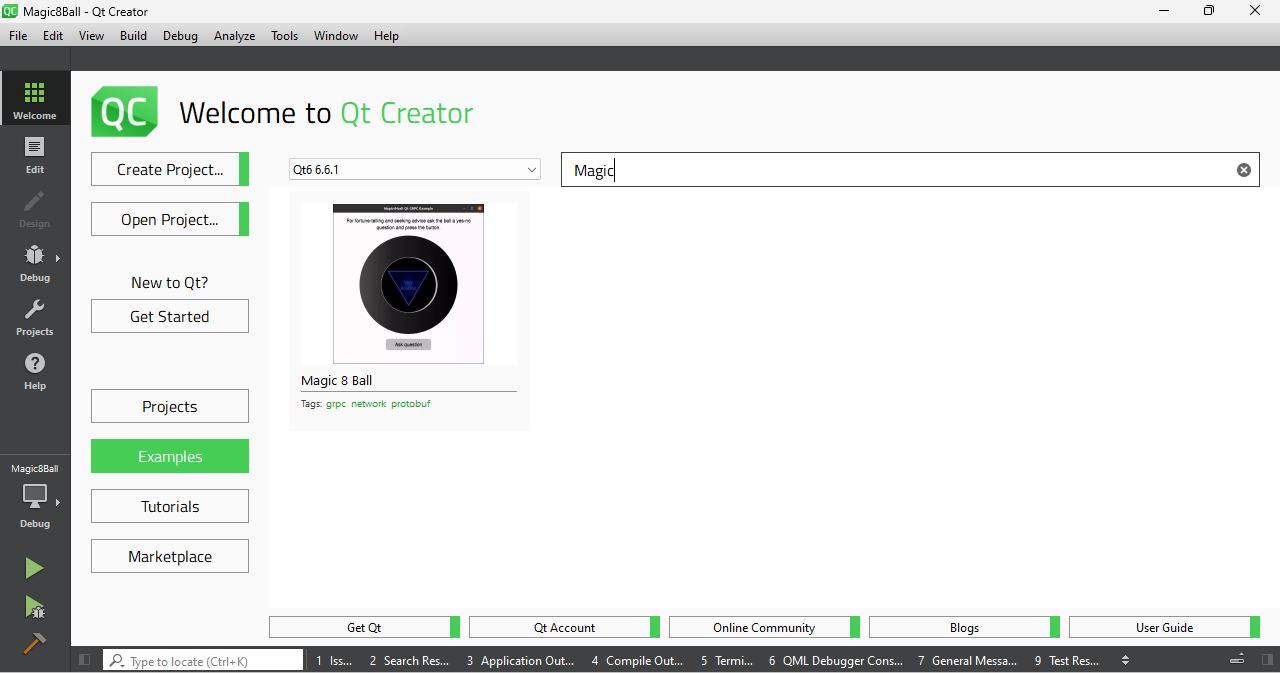
Magic 8 Ball
from your installed version of Qt. The example requires both packages to be installed, since
Magic 8 Ball
uses native C++ source code generator plugin for the server part of application. Following steps are required to start
Magic 8 Ball
范例:
Examples
section:
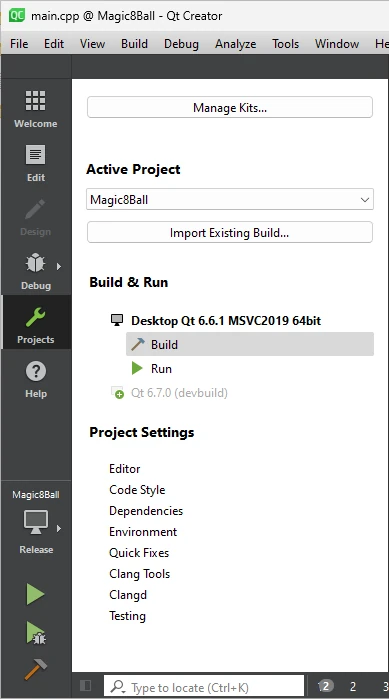
Protobuf
and
\gRPC
packages to the
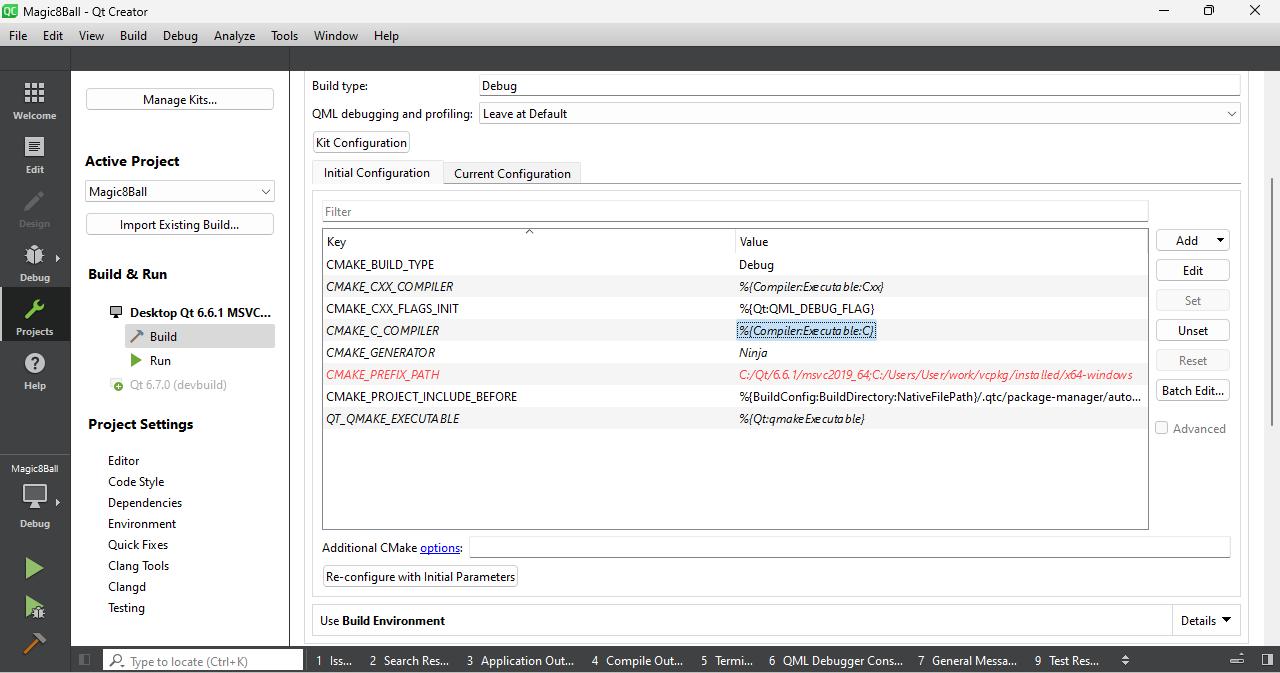
CMAKE_PREFIX_PATH
environment variable inside
Initial Configuration
settings block: