Demonstrates how to make physics-affected locomotion in Qt Quick 3D XR.
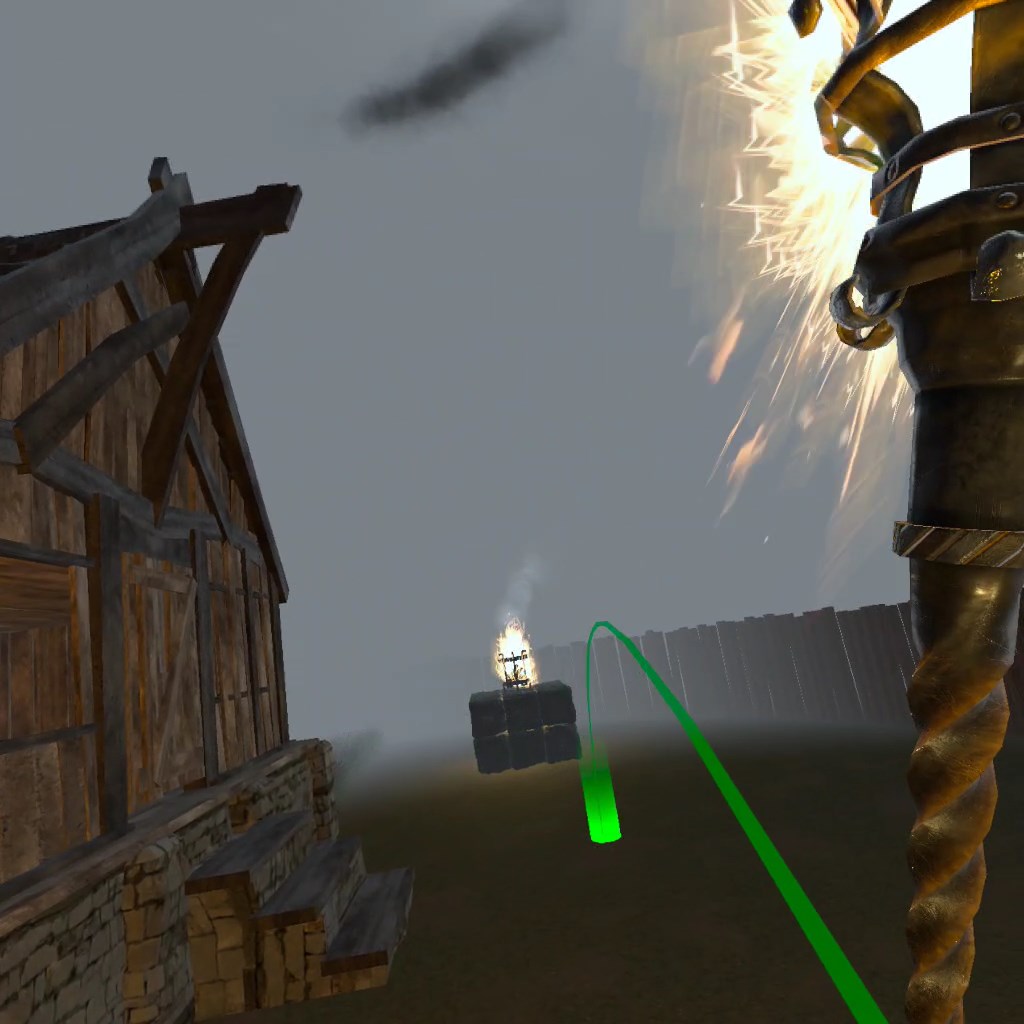
This demo shows how to navigate and interact with objects in the virtual environment using physics-affected locomotion.
When you run the example, use the following controls for navigation.
| Rotation | Left and Right stick on the right controller |
| Aim and Teleport | Forward stick on the right controller |
| Interact with objects | Squeeze the right controller |
要运行范例从 Qt Creator ,打开 欢迎 模式,然后选择范例从 范例 。更多信息,见 Qt Creator:教程:构建并运行 .
另请参阅 QML 应用程序 .
