A dice throwing application using Qt Quick 3D Physics and other Qt Modules.
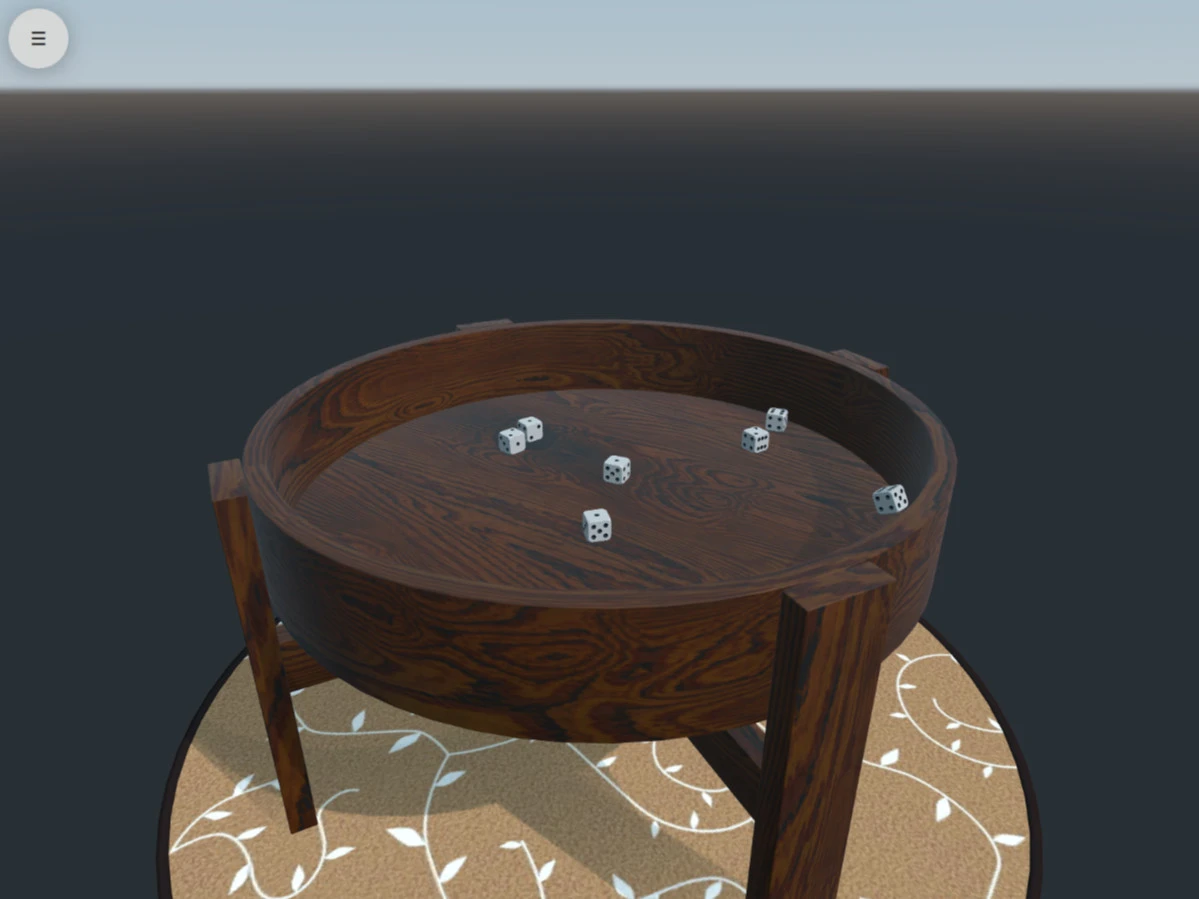
This example application simulates rolling a number of dice on a table. The application uses QML and relies on a number of Qt modules, including Qt Quick 3D , Qt Quick 3D Physics , Qt Multimedia ,和 Qt Sensors .
要運行範例從 Qt Creator ,打開 歡迎 模式,然後選擇範例從 範例 。更多信息,見 Qt Creator:教程:構建並運行 .
範例利用 Qt Quick 3D , Qt Multimedia , Qt Quick 3D Physics and Qt Sensors modules that are separate items in the Qt 在綫安裝程序 . If the example fails to compile or run, make sure that you have these required packages installed.
Dice demonstrates using Qt Quick 3D Physics for the physical simulation of dice and a wooden table. The rendering is done with components from Qt Quick 3D . For information on how this can be achieved, see the Qt Quick 3D Physics - Custom Shapes Example .
On compatible targets, using Qt Sensors API enables using accelerometer output to detect when the device is shaken, triggering a dice roll. For more information on using an accelerometer, see the Sensors Showcase 範例。
使用 Qt Multimedia , sound effects are added for a more immersive experience. See the SoundEffect QML type more for information.
A Qt Quick UI is provided for configuring the physical material of the simulated dice, the magnitude of gravity, and the number and size of dice.
另請參閱 所有 Qt 範例 .
