Demonstrates how to implement simple locomotion in Qt Quick 3D XR.
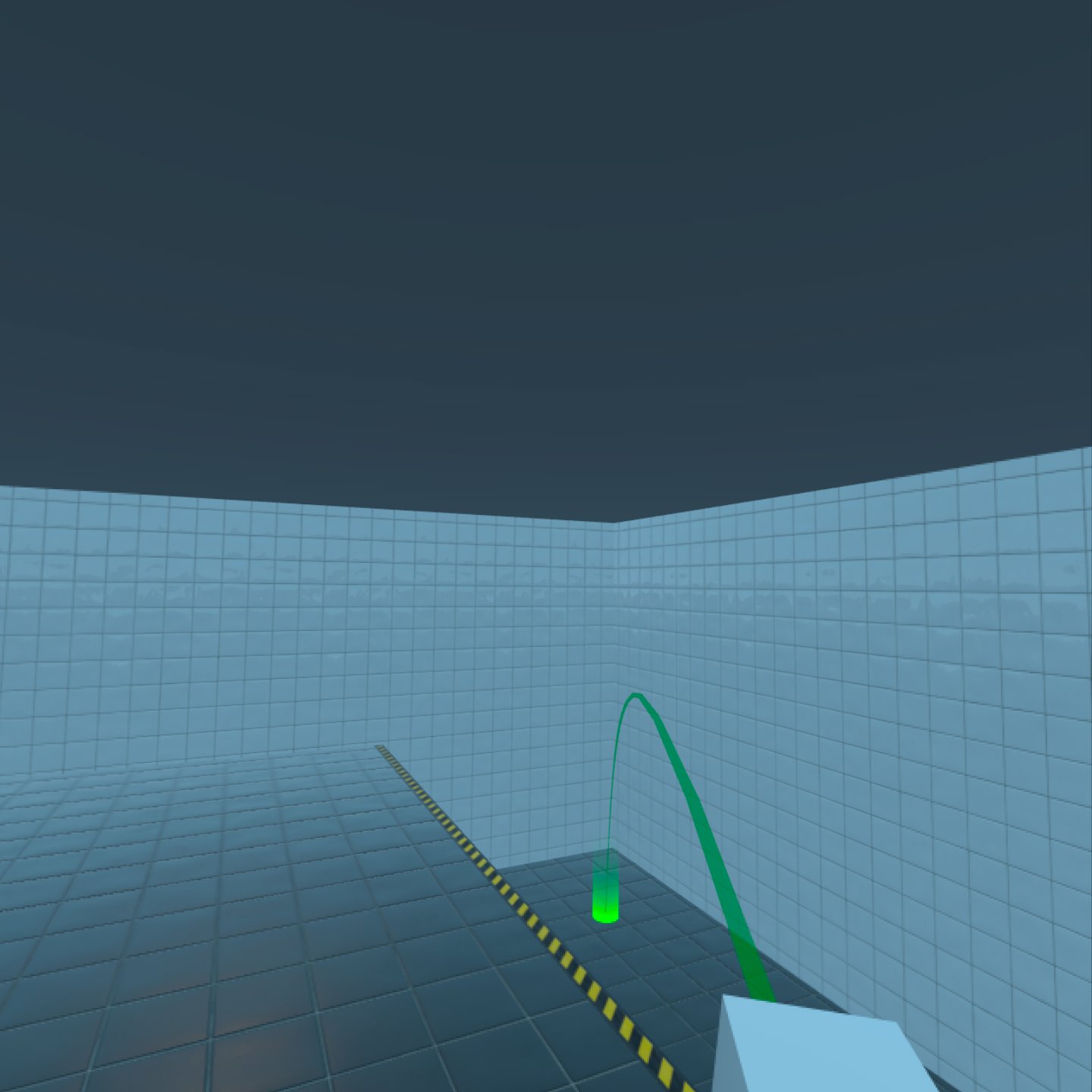
This example shows how to move to places in the virtual environment using a simple freeform teleportation system, a non-continuous form of movement.
For navigation, use the thumbstick on the right controller:
The teleportation logic is implemented in the
FreeformTeleporter
component. This is located in the separate sub-project
xr_shared
, so you can easily re-use it in other projects.
FreeformTeleporter {
    id: teleporter
    view: xrView
    originNode: xrOrigin
    cameraNode: xrOrigin.camera
    beamHandle: xrRightController
    rotationTriggerValue: xrRightController.xValue
    teleportTriggerValue: xrRightController.yValue
    onDoTeleportation: (cameraOriginPosition)=> {
                           xrOrigin.position = cameraOriginPosition
                       }
    onDoRotation: (cameraOriginRotation, cameraOriginPosition)=> {
                      xrOrigin.rotation = cameraOriginRotation
                      xrOrigin.position = cameraOriginPosition
                  }
}
The FreeformTeleporter component has the following properties that need to be set:
QtObject xrView
The
xrView
property gives access to
XrView
's built-in ray-picking. You can use any object that implements a
rayPick
method. For example, a
View3D
may be useful for prototyping.
Node originNode
The
originNode
property specifies the node that the freeform teleporter will manipulate. In XR, artificial locomotion is performed by moving the
XrOrigin
. We will therefore use the xrOrigin of our
XrView
作为
originNode
.
Node cameraNode
The
cameraNode
property provides the position of the camera. When rotating, it defines the center of rotation. When teleporting, it defines the position that will be placed over the selected location. In this example, we use the tracked
XrCamera
we created earlier.
注意: In XR, the XrOrigin defines the relationship between the scene and the user's reference space. This reference space is typically anchored to the physical space around the user. Changing the position of the XrOrigin will change how physical locations are mapped to scene coordinates. The XrCamera tracks the position of the user's head. When the user moves physically, the XrCamera 's position and orientation will change relative to the XrOrigin .
Node beamHandle
The
beamHandle
property is the Node used as the teleportation beam's start point. In this example, we use the right controller as the beamHandle.
另请参阅 Locomotion in Qt Quick 3D Xr .
