Demonstrates the order independent transparency in Qt Quick 3D.
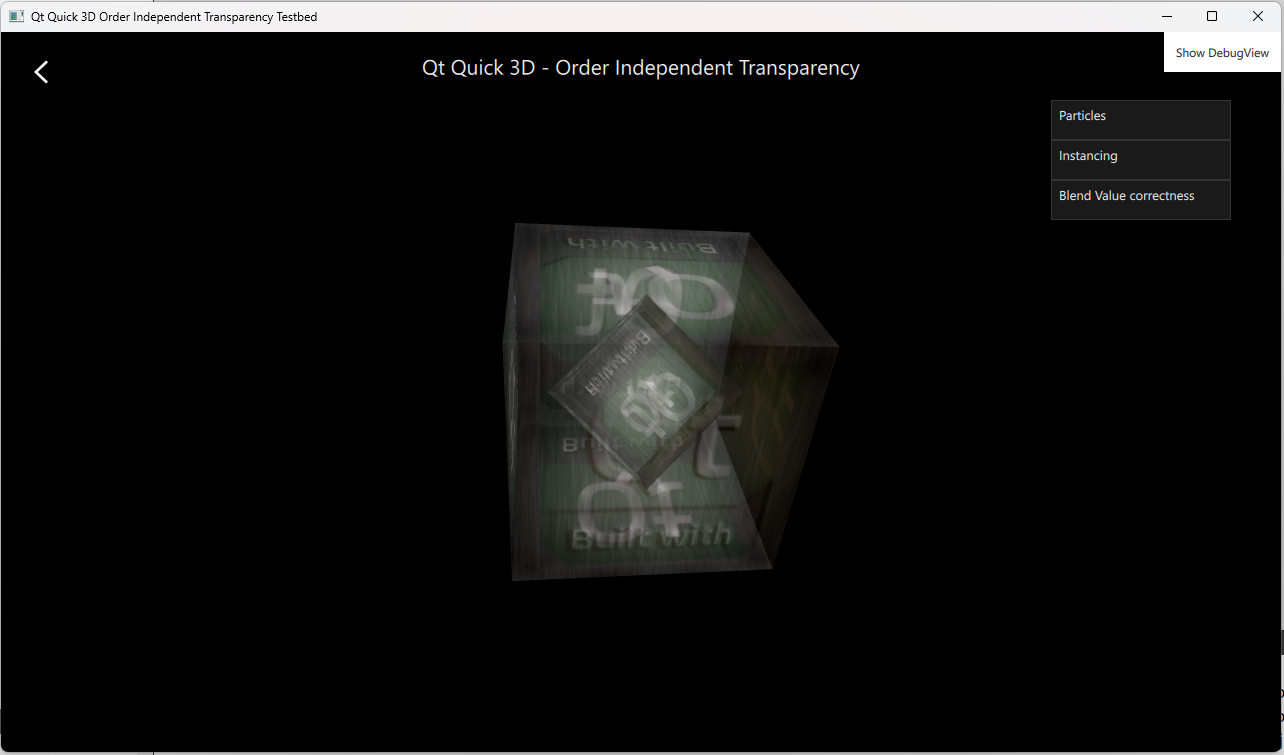
The OIT example demonstrates how to enable order-independent transparency in Qt Quick 3D. It has multiple examples using the feature in different ways.
粒子 example shows the use of OIT with transparent particles. Instancing example shows the use of OIT with models rendered using instancing. Blend Value Correctness example demonstrates the sorting problem with transparent objects and lets one enable OIT to fix the issue.
OIT is controlled by the SceneEnvironment object. The values are set based on the selection made in the user interface.
The
oit method
is by default set to
OITNone
to disable the feature, or one can set it to
OITWeightedBlended
to enable OIT.
        environment: SceneEnvironment {
            clearColor: "#000000"
            backgroundMode: SceneEnvironment.Color
            antialiasingMode: AppSettings.antialiasingMode
            antialiasingQuality: AppSettings.antialiasingQuality
            oitMethod: SceneEnvironment.OITWeightedBlended
        }
