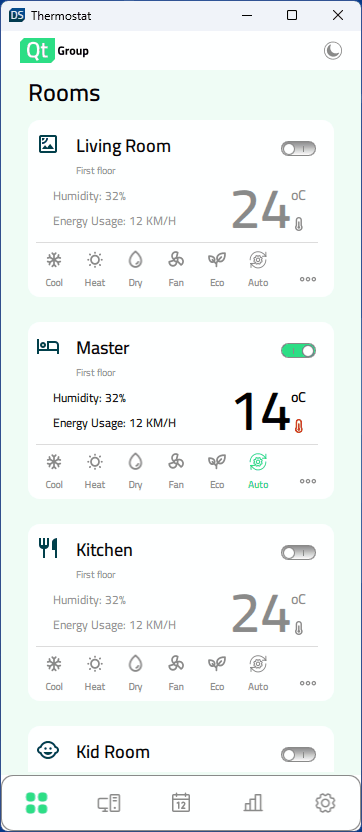
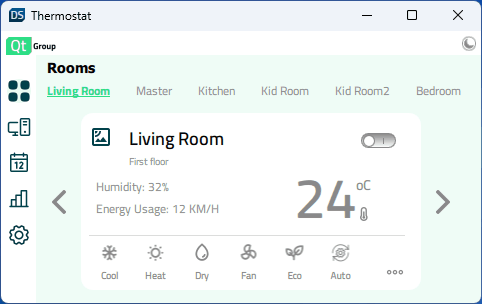
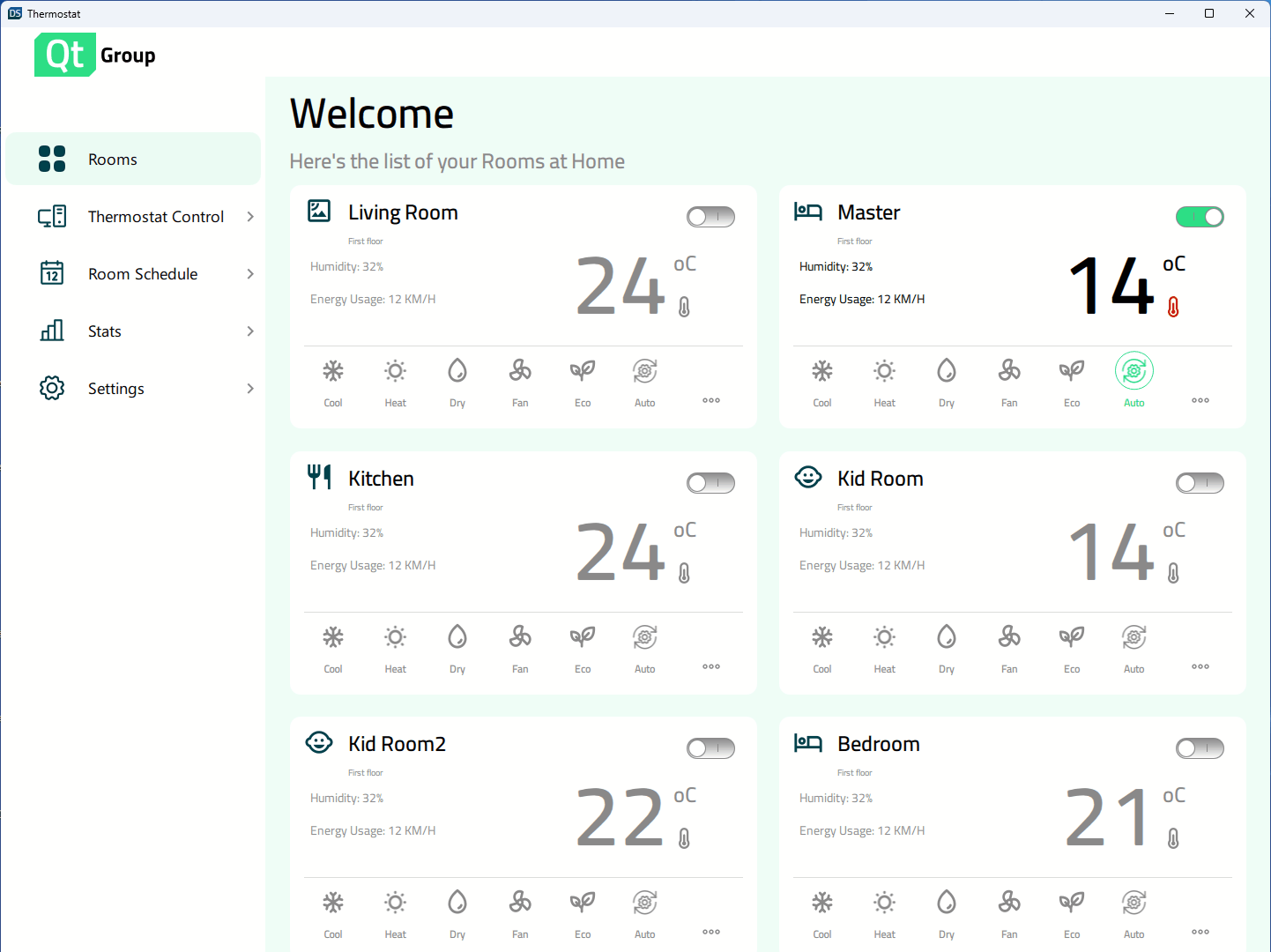
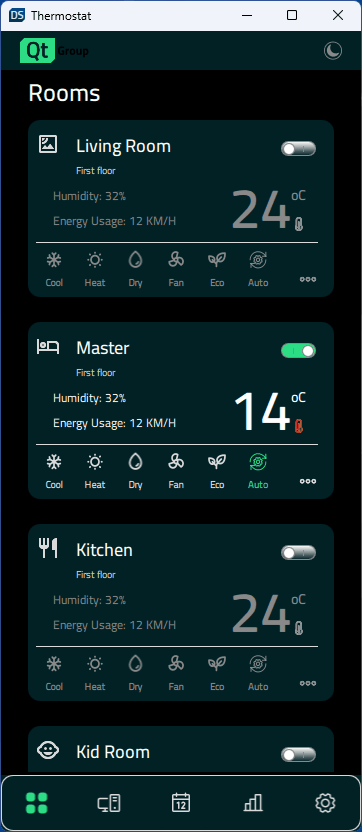
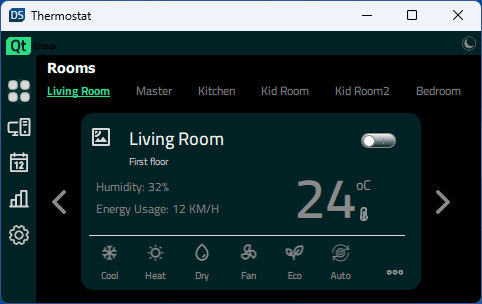
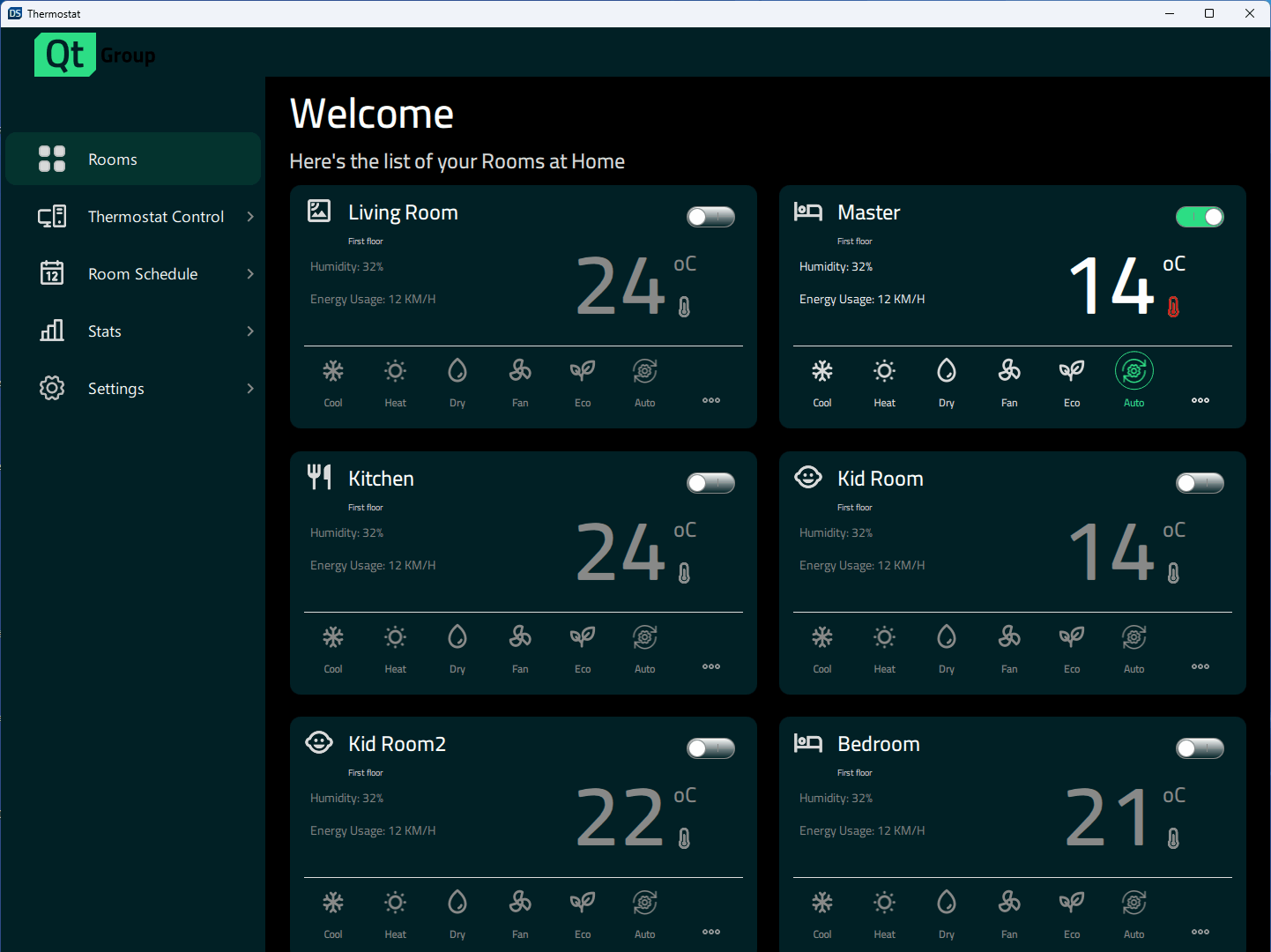
The Thermostat example demonstrates how to implement different designs depending on the window size.
A user interface for a home thermostat, demonstrating how to create responsive applications in Qt Quick that scale from large desktop displays to mobile and small embedded displays.
要运行范例从 Qt Creator ,打开 欢迎 模式,然后选择范例从 范例 。更多信息,见 Qt Creator:教程:构建并运行 .
The application has support for a variety of display sizes. It can scale dynamically when the user changes the window size, or the application will select the correct sizes based on the available display on mobile targets.
Constants.qml
contains properties that specify the display size and control which layout is currently in use:
    property bool isBigDesktopLayout: layout === Constants.Layout.Desktop
    property bool isSmallDesktopLayout: layout === Constants.Layout.SmallDesktop
    property bool isMobileLayout: layout === Constants.Layout.Mobile
    property bool isSmallLayout: layout === Constants.Layout.Small
在
App.qml
, the properties are bound to the window height and width at application startup:
    Component.onCompleted: {
        Constants.layout = Qt.binding(() => {
            let tall = window.height >= window.width
            if (window.width >= 1440 && window.height >= 520)
                return Constants.Layout.Desktop
            if (window.width >= 1024 && window.height >= 768)
                return Constants.Layout.SmallDesktop
            if (tall || (window.width >= 600 && window.height >= 380))
                return Constants.Layout.Mobile
            return Constants.Layout.Small
        })
    }
The states are then used to control the components' properties, such as width, height, fontSize, position, and layout (column or row).
    states: [
        State {
            name: "bigDesktopLayout"
            when: Constants.isBigDesktopLayout
            PropertyChanges {
                target: statistics
                leftPadding: 53
                rightPadding: 53
                topPadding: 23
                bottomPadding: 43
            }
            PropertyChanges {
                target: scrollView
                isBackgroundVisible: false
                delegateWidth: 350
                delegateHeight: 182
                statisticsChartWidth: grid.width
                statisticsChartHeight: 647
            }
            PropertyChanges {
                target: grid
                width: 1100
            }
        },
        State {
            name: "smallDesktopLayout"
            when:  Constants.isSmallDesktopLayout
            PropertyChanges {
                target: statistics
                leftPadding: 53
                rightPadding: 53
                topPadding: 23
                bottomPadding: 43
            }
            PropertyChanges {
                target: scrollView
                isBackgroundVisible: false
                delegateWidth: 290
                delegateHeight: 182
                statisticsChartWidth: grid.width
                statisticsChartHeight: 541
            }
            PropertyChanges {
                target: grid
                width: 918
            }
        },
        State {
            name: "mobileLayout"
            when: Constants.isMobileLayout
            PropertyChanges {
                target: statistics
                leftPadding: 0
                rightPadding: 0
                topPadding: 0
                bottomPadding: 0
            }
            PropertyChanges {
                target: scrollView
                isBackgroundVisible: false
                delegateWidth: 327
                delegateHeight: 110
                statisticsChartWidth: 346
                statisticsChartHeight: 383
            }
        },
        State {
            name: "smallLayout"
            when: Constants.isSmallLayout
            PropertyChanges {
                target: statistics
                leftPadding: 0
                rightPadding: 0
                topPadding: 0
                bottomPadding: 0
            }
            PropertyChanges {
                target: scrollView
                isBackgroundVisible: true
                delegateWidth: 332
                delegateHeight: 90
                statisticsChartWidth: 420
                statisticsChartHeight: 240
            }
        }
    ]
另请参阅 所有 Qt 范例 and Qt Quick 范例和教程 .
